

THR Plugins
Compactor
Couldn't load pickup availability
Compactor
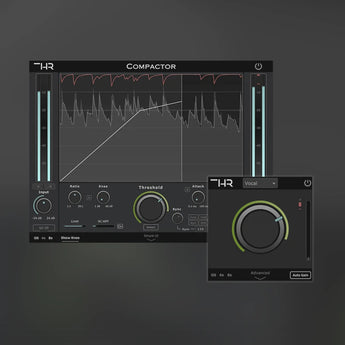
All-in-one Dynamic Audio Compressor!
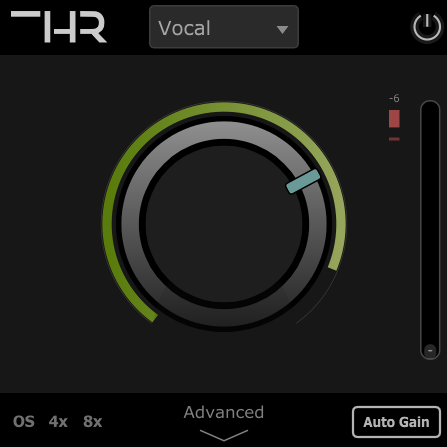
Simple UI
Work fast and don’t worry about having to control multiple Parameters. Compactor does this for you! Select a preset, adjust the threshold, and that’s it!
Advanced UI
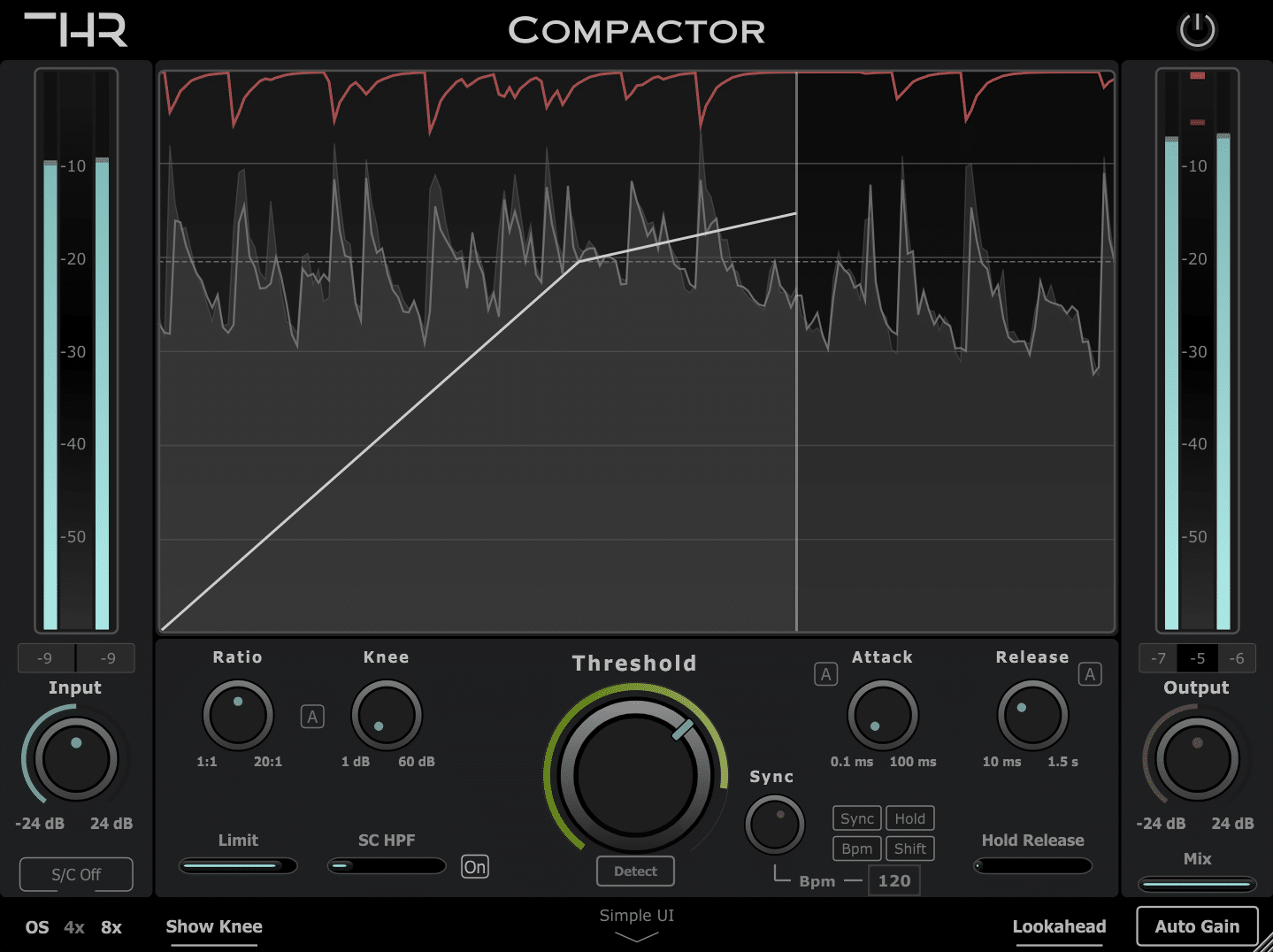
In-depth control over the dynamics of your music, including tempo-synced release, Lookahead, gain-reduction limit, and more!
Advanced UI Features:
In addition to all of the conventional controls found in a compressor, such as Threshold, Ratio, Knee, Attack, and Release, the Compactor offers a wide and unique set of features:
-
Auto Parameters
-
Gain Reduction Limit
-
Histogram
-
Knee Visualization
-
Release Hold
-
Tempo-Sync
-
Oversampling
-
Ext S/C
-
SC Filters
-
Lookahead
Compactor features multiple automatic parameters to speed up the workflow:
- Automatic Threshold.
- Automatic Attack & Release Times.
- Automatic Knee: sets the knee curve and ratio according to the threshold (Excellent for Vocal processing).
Hear it in Action
Drum Buss:
Sync Hold:
Vocals:
Automatic Threshold!
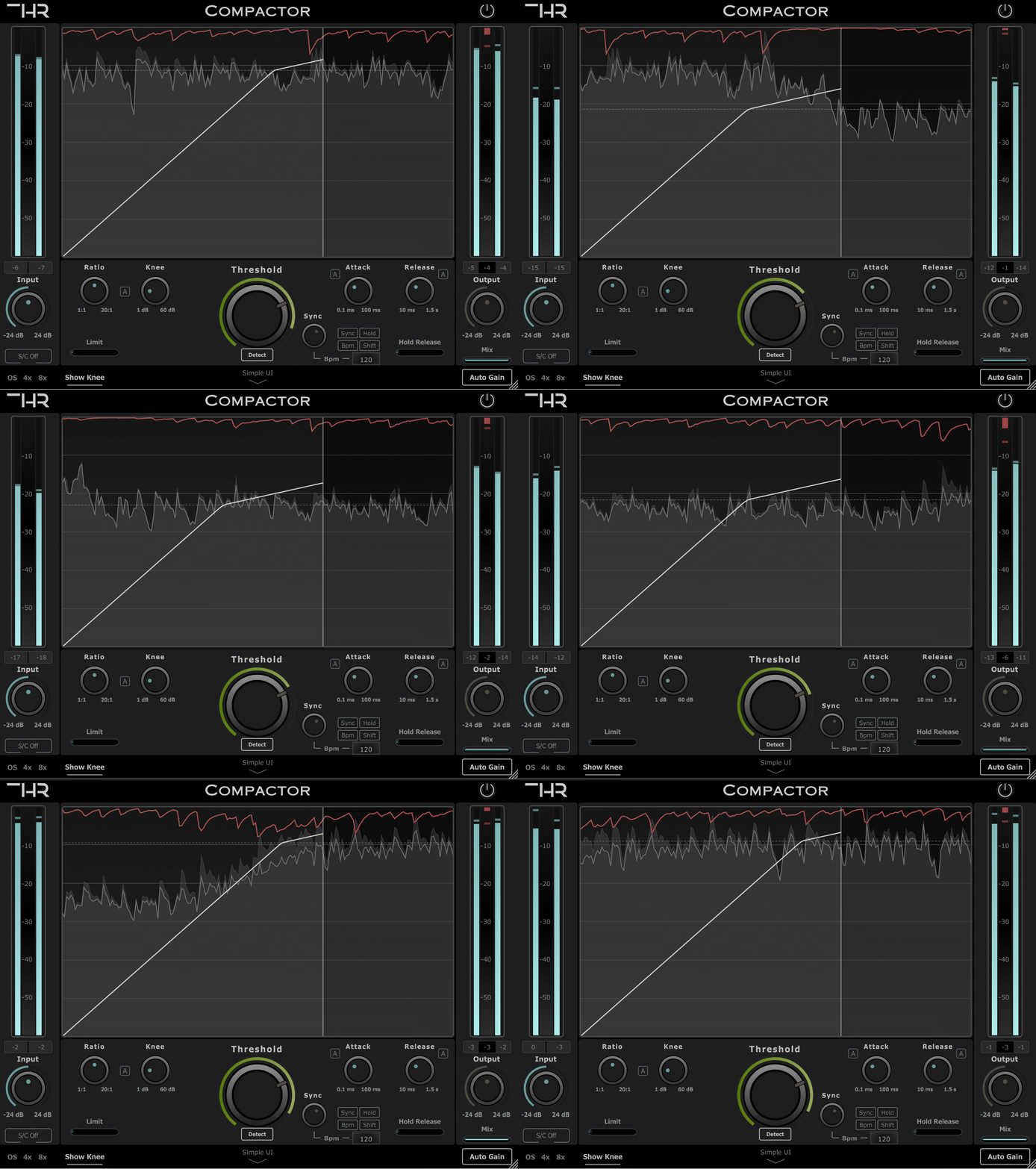
Set the threshold automatically based on the input signal. This feature works really well in conjunction with the “Limit Gain Reduction” parameter since the compressor will follow the input signal but never overly compress it!
System Requirements for THR Compactor
Windows
7 and up as 64-bit VST3, and 64-bit AAX.
Mac OS
10.15 Catalina and higher as 64-bit VST3, AU, and AAX, Intel, and Native M1/2.
Supported & Fully Tested DAWs:
- Logic Pro X 10.3 and later
- Pro Tools* 11 and later
- Ableton Live 10 and later
- GarageBand 10.1.1 and later
- PreSonus Studio One 5 and later
- FL Studio 20 and later
- Cubase 12 and later
- Reason 12.5 and later
- Cakewalk by Bandlab
- Mixcraft 9 and later
- REAPER
Recently viewed products
Describe your recently viewed products here


