


FabFilter
FabFilter Pro-C 3 Upgrade
UpgradeUpgrade license: For owners of an earlier version of this FabFilter plug-in. The earlier license must be installed or in your FabFilter account. This is not a full version. Not sure you qualify? Ask us before you buy · How to check
Couldn't load pickup availability
What's New
6 new compressor algorithms
Includes 6 analog-modelled compressors
Can be combined with 3 Character Modes for deeper tone shaping
Includes analog drift in threshold and drive for added realism
Character styles include Tube, Dialed, Bright
Can be applied pre or post compression (2 routing options)
Core feature upgrades
Auto Threshold mode: compressor adapts independently
Sidechain section significantly improved
Multiband expansion (up to 6 bands)
Oversampling up to 32x
Adjustable maximum look-ahead (notably important for Pro Tools users managing latency)
UI / workflow
New preset browser
Updated look and design
New Instance List (modular channel view):
View and control multiple FabFilter plugins on a track (currently supports Pro-Q, Pro-G, Pro-DS, Pro-C)
Enables unified control and customization across plugins
Core features
Incredible Sound and Character
FabFilter Pro-C 3 is a high-quality compressor plug-in for the most demanding engineers. Whether you need subtle mastering compression, an upfront lead vocal, that magic drum glue or deep EDM pumping: Pro-C 3 gets the job done with style!
Everything You Need
Pro-C 3 offers eight different, program-dependent compression styles with beautiful sound and character. But there's more! Apart from the classic compressor controls, you also get smooth lookahead, up to 4x oversampling, intelligent auto-gain and auto-release, a variable knee, hold, range, external side-chain triggering, variable stereo linking and mid/side processing, all packed in a beautiful Retina user interface.
Beautiful Interface and Optimized Workflow
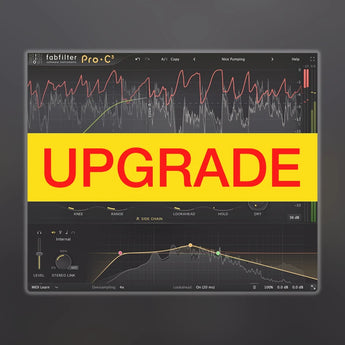
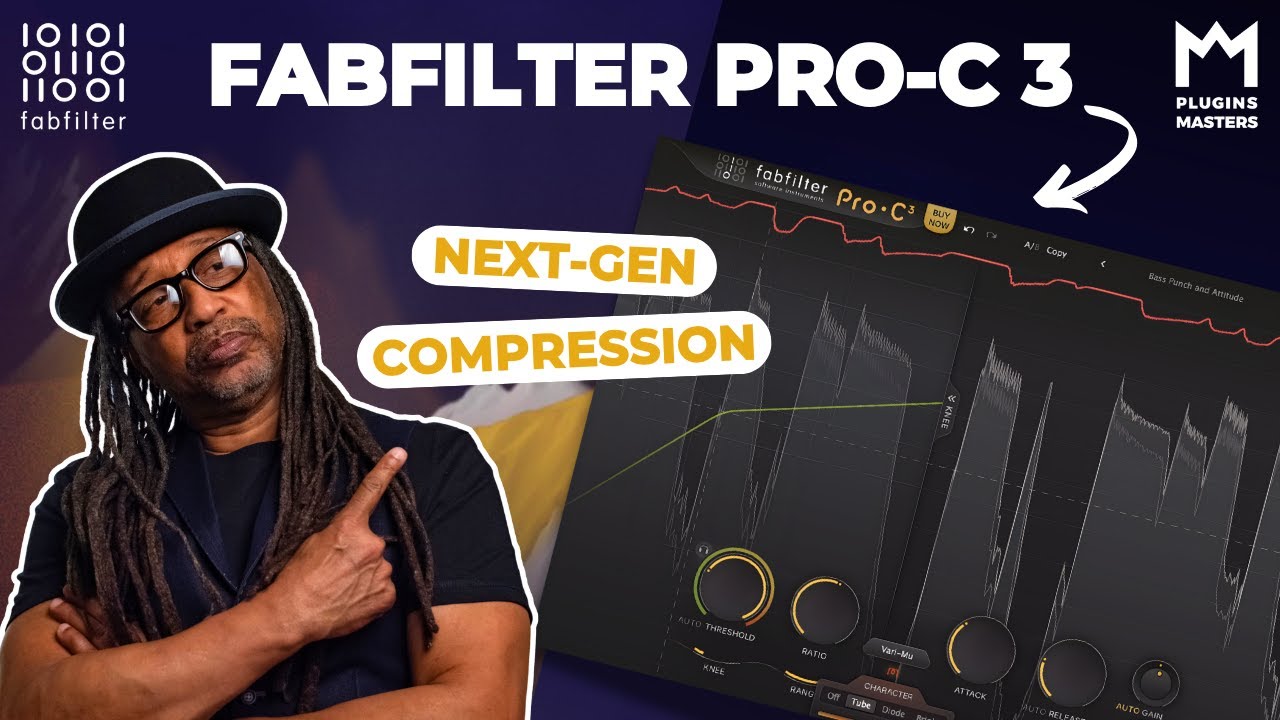
The fully redesigned interface in FabFilter Pro-C 3 offers insightful metering with real-time displays that will greatly improve workflow. The large animated level/knee display visualizes exactly when, why and how compression is applied to incoming audio. Accurate level meters show the exact peak and loudness values, while the circular side-chain input meter turns finding the perfect threshold setting into a trivial task. And the large side-chain EQ controller makes it easier than ever to filter the trigger signal any way you like.
FabFilter Goodies
Of course, you also get all the usual FabFilter goodies: perfectly tuned knobs, interactive MIDI Learn, undo/redo and A/B switch, Smart Parameter Interpolation for smooth parameter transitions, an extensive help file with interactive help hints, sample-accurate automation, advanced optimization and much more!
System Requirements for FabFilter Pro-C 3 Upgrade
Windows requirements
Windows 11, 10, 8, 7 or Vista
64-bit or 32-bit
VST 2/3 or CLAP host, or Pro ToolsIntel or Apple Silicon processor
macOS requirements
macOS 10.13 or higher (64-bit only)
VST 2/3, AU or CLAP host, or Pro Tools
Quick start
The installer will copy the FabFilter Pro-C 3 plug-in into the common VST, VST 3, CLAP, AU (macOS only) and Pro Tools plug-in folders on your computer. On macOS, the global plug-in folders
in /Library/Audio/Plug-Ins are used.
In most cases, your host will then recognize the plugin automatically. However, if the instructions below do not work, see Manual installation instead.
Pro Tools : Choose an empty insert slot on one of your audio tracks, instrument tracks or buses and select FabFilter Pro-C 3 from the pop-up menu in the EQ section.
Studio One : Click the '+' button next to the Inserts tab of an audio track, instrument track or bus and select 'Pro-C 3' from the drop-down menu.
Logic Pro : Choose an empty insert slot on one of your audio tracks, instrument tracks or buses and select FabFilter Pro-C 3 from the pop-up menu. You will find FabFilter Pro-C 3 in the Audio Units > FabFilter section (named Pro-C 3).
Ableton Live : In Session view, select the track you would like to place FabFilter Pro-C 3 on, for example by clicking the track name. At the left top of Ableton Live's interface, click on the Plug-in Device Browser icon (third icon from the top). From the plug-ins list, double-click FabFilter > Pro-C 3, or drag it onto the track.
Cubase : Choose an empty insert slot, for example in the Mixer, and select EQ > Pro-C 3 from the menu that appears. To use the MIDI features in Pro-C 3, create a new MIDI track and set its output to the Pro-C 3 instance you have just created.
NO REFUND FOR UPGRADE/CROSSGRADE
Recently viewed products
Describe your recently viewed products here


